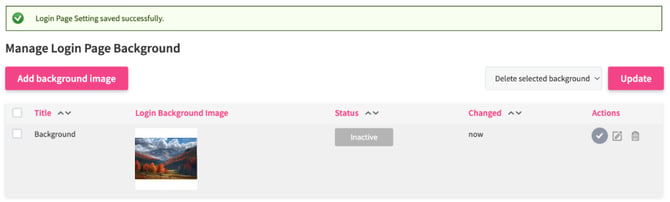
What is it?
The login background is the screen that your users see before they enter the platform.
By providing a meaningful background, you can create a positive impression straightaway.
How does it work?
You can set up any image as your background when you are logging into the platform. To do so, perform the following steps:
- Go to the settings wheel in the top right corner: Settings > System Administration > Login Page Background Configuration.
- Click the button Add background image

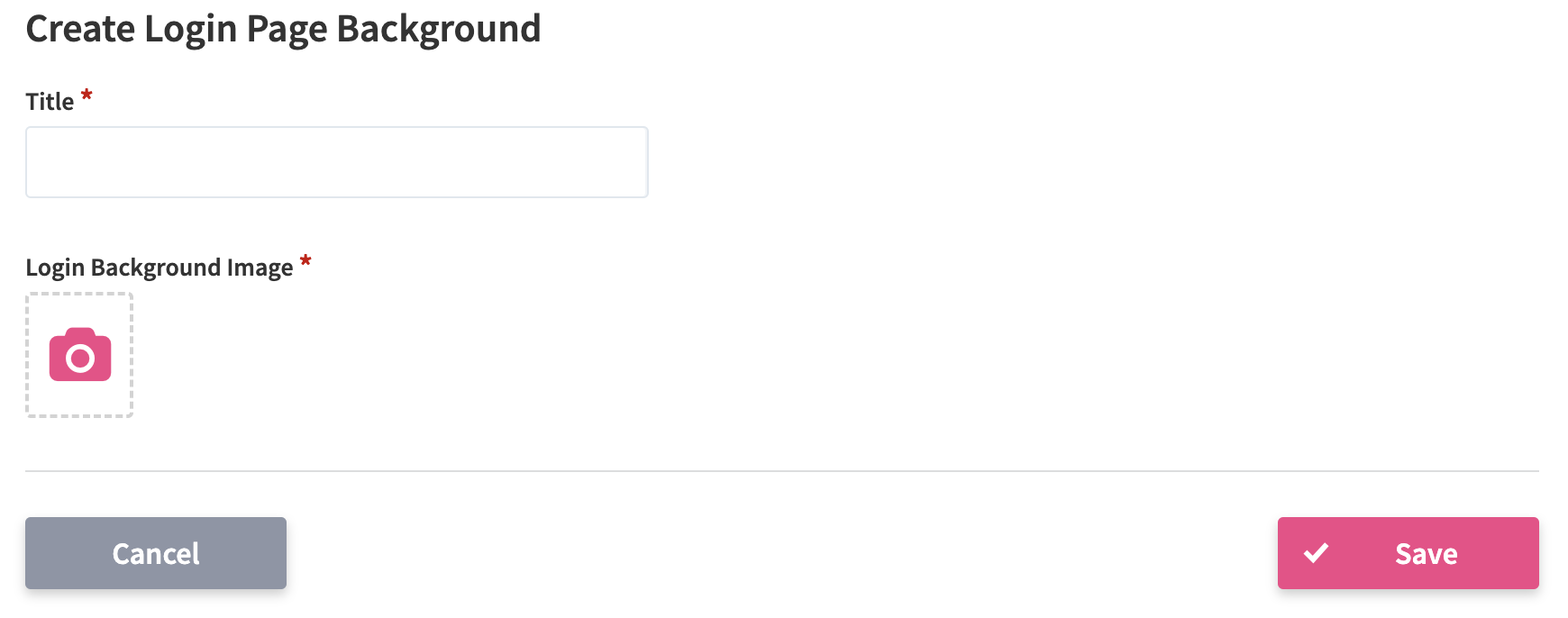
- A new window will open, where you can upload a new background image and give it a title.
- After saving the changes, a success message is displayed. Now you need to activate it to show it as a login background. Select the Check icon in the Actions menu on the right side to activate it.