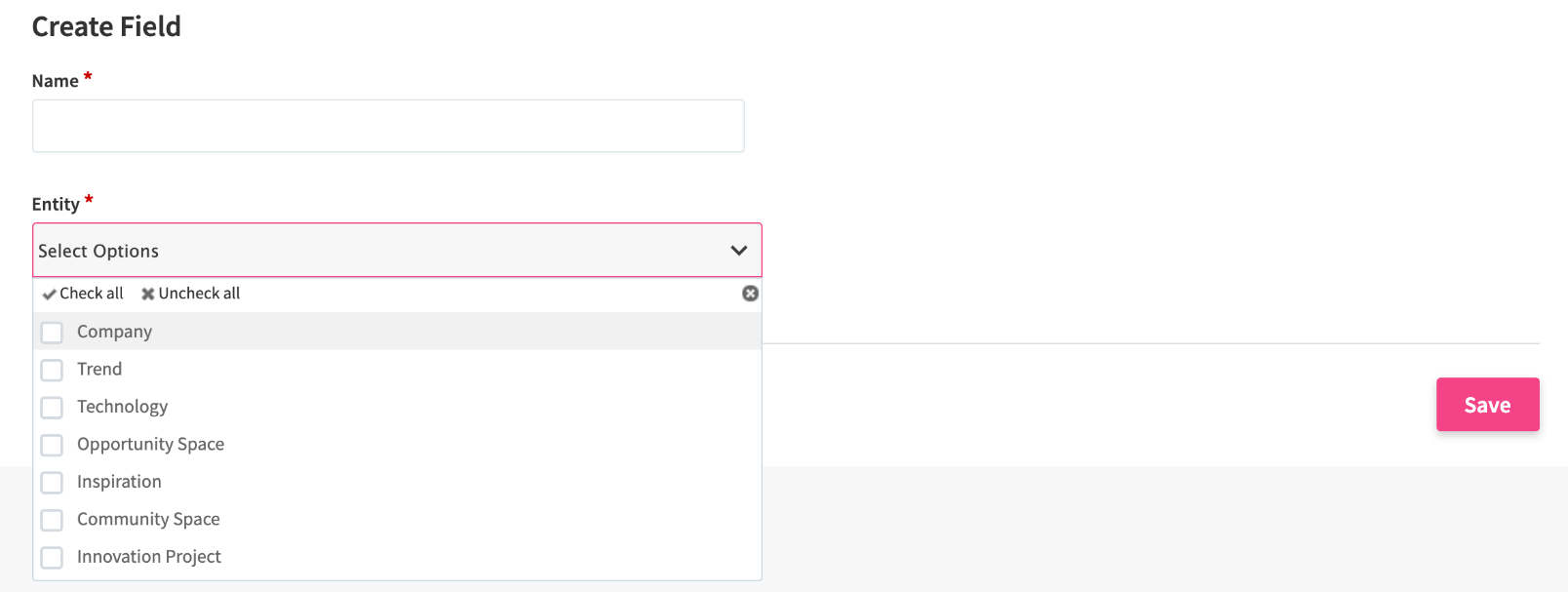
Fields are information sets that specify an entity. There are sets of fields that are permanently added for each entity to ensure basic functionality. You can also add new fields to cover your custom wording and language that has already been established within your organization.
Managing Fields
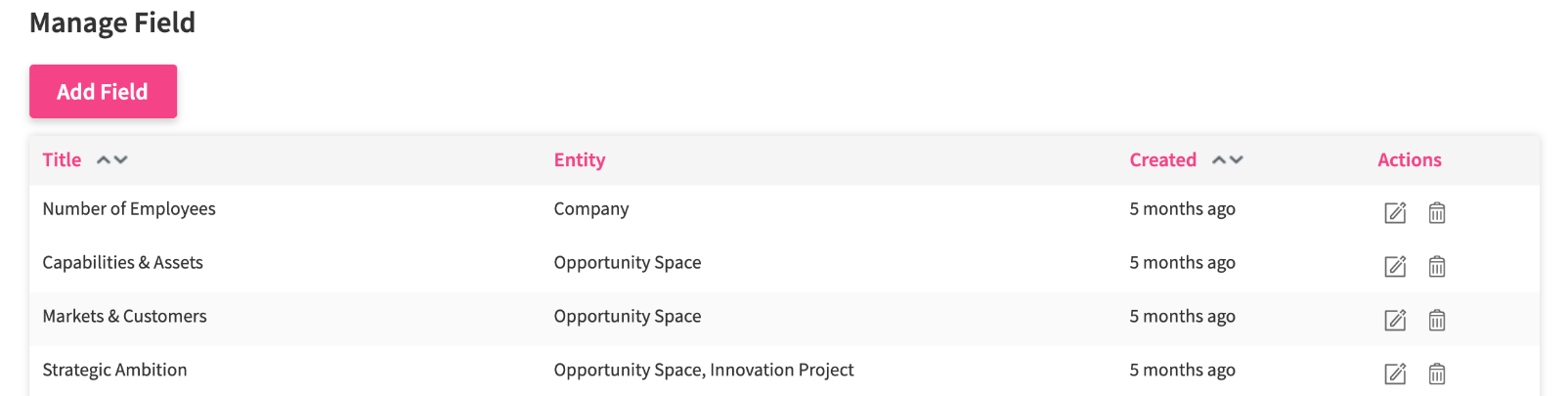
To manage your fields, go to Settings > Entity Configuration > Field Configuration > Field Names. You can edit or remove selected fields by clicking the pen or trash icon on the far right side of the element.
Adding a new Field
To add a new field, click the Add Field button. To add a new field, click the Add Field button. In the form, specify the field name and which entities you want to add it to. Click the Save button when ready.